For people who run more than one coding agent
Say it once.
Cesura conducts your coding agents. Say what you want, by voice or text. Cesura picks the agent, the model and the effort, runs it on your own sign-in, and gives back only two things: the questions that need you and the work that is done.
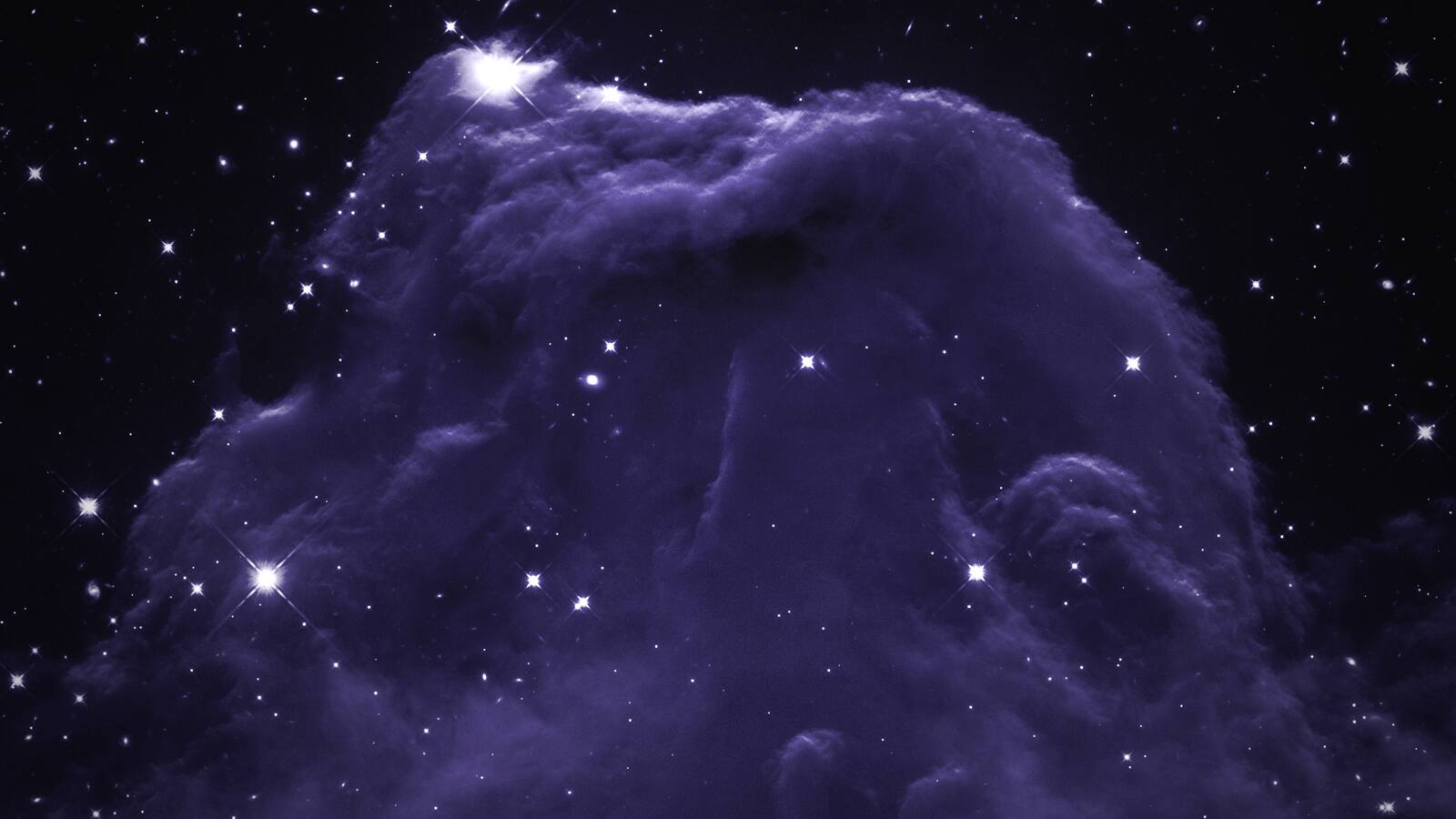
Horsehead Nebula · NASA, ESA and the Hubble Heritage Team (AURA/STScI) · CC BY 4.0 · graded
01 · The ask
One sentence in. One line back that says why.

Anywhere on your Mac. Press ⌥ Space in any app, with no permission. Prefer a double tap of ⌥? Turn it on in Settings; it asks for Accessibility then, not before.
Voice or text. Dictation runs on your Mac with Apple’s speech recognizer. The microphone is asked for the first time you use it.
Point at it. Press ⌘ P and drag over the screen, or drop files on the panel. They stay on your Mac, go only to the agent you picked, and are deleted after a day.
Your call wins. Press Tab to pick another agent before you send. Later tasks like it start where you put them.
02 · Routing
It picks the agent, the model and the effort.
Five layers, in order. Each one can only narrow the choice or move it up. A continued session stays on its agent, so its context is never thrown away.
- L0
What can run
Agents that are installed and signed in. Privacy mode and plan limits apply here: a plan at its limit is skipped, and nothing moves to paid usage on its own.
- L1
Your rules
Plain sentences, such as “Use Codex for tests.” They are compiled on your Mac and shown back as they were understood. A strategy sets the default: Thrifty, Balanced or Best.
- L2
How hard it is
The kind of task and its difficulty, read on your Mac by Apple’s on-device model. Easy work goes to fast models. Hard work goes to strong ones.
- L3
Up, never down
After a failure, the same model tries again with more effort. After a second failure in a row, a stronger model takes it.
- L4
What you taught it
When you move a task to another agent, similar tasks start there next time. This stays on your Mac, and you can turn it off.
Feature, difficulty 2 → Claude · Sonnet 5.5, low effort.
03 · Proof
Replayed on 1,022 real tasks.
The router ran over every task in one developer’s own Claude Code and Codex history: 160 sessions, from 24 September to 19 October 2026. Cost is the tokens each task really used, priced at each model’s list price.
Always the strongest model Fable 5.1 for every task
$3,716
The developer’s own picks 37.8% less
$2,310
Cesura’s routing 43.8% less
$2,090
Pass rate held, on the estimate. 97.9% routed against 98.2% on the strongest model. A pass is a task the developer moved on from; a fail is one they reported a problem with.
Checked where it matters. 29 tasks that go to a smaller model were run again on both models, in a sealed copy of the repository, and graded blind. Each side passed 9. Most fails on both sides needed a browser or a live service the copy does not have.
The worst case is shown too. 83 tasks that went to a smaller model could not be run again: most deploy, publish or send. If every one of them had failed, the routed pass rate would be 90.0%.
List prices, not a bill. On a plan there is no charge per token. Your own numbers will differ, and Cesura’s weekly view shows only what it measured on your Mac.

04 · Inbox
Only two things come back.

Questions that need you. A permission, a choice, a plan limit. A command is shown whole before you allow it, and an edit shows the lines it changes. Answer with 1, 2 or 3; Esc takes it back for two seconds.
Work that is done. What the agent says it did, the files it changed, the model and the time. Press R to keep going with the same agent; if it offered next steps, 1 or 2 drafts one for you to send.
Sessions from your terminal. Recent Claude Code and Codex sessions you started yourself show up too. Pick one up here and it resumes where you left it.
No terminal windows. A small helper keeps agents running in the background, even after you close Cesura. A Mac notification says when one needs you, with the task’s title and nothing it wrote.
Cosmic seahorse · ESA/Webb, NASA & CSA, J. Rigby · CC BY 4.0 · graded
05 · At a glance
One mark per agent, at the edge of the screen.
State is shown by shape, not by color, so it reads in a glance and without color vision. Click a mark to open that agent in the Inbox. The menu bar lists what is running, with Stop, and how much of each plan is left as your CLI last reported it.
- Working
- Needs you
- Done
- Failed
06 · First launch
One screen. One button.

No account, no card. Connect finds the agent CLIs you have and checks that they are signed in. Nothing else to set up.
No permission up front. The microphone, Screen Recording and Accessibility are each asked only by the feature that needs them, the first time you use it.
Your settings stay yours. Cesura never writes your Claude Code or Codex configuration. What it changes, it changes for its own runs only.
07 · Privacy
Your sign-in stays yours.
The real CLIs, as you. Cesura starts Claude Code, Codex and the others unchanged, signed in as you. It never reads, stores or sends your Claude or ChatGPT plan credentials.
No surprise bills. At a plan limit, Cesura stops and asks. It never moves a task to paid usage on its own.
Nothing about you leaves. No analytics, no account, no ad pixels. Cesura itself only checks its license and its updates.
Privacy mode. Agents start without your MCP servers, plugins and hooks, so the model provider is the only thing they contact.
Claude Code runs Claude. Cesura never sends Claude Code through a gateway to another company’s models.
Keys in the Keychain. API keys are optional. They stay on your Mac and are used only for the provider you saved them for.
08 · Servers
Your servers, over your own ssh.
@box fix the flaky upload test
Start with @ and a name. Cesura connects with your ssh keys, starts the agent that the server is signed in to, and streams the result back to your Inbox.
No relay in between. There is no Cesura server. The only thing added to your machine is one short shell script, and you can read it first.
09 · Coverage
The agents you already use.
| Agent | How Cesura runs it |
|---|---|
| Claude Code | Its documented print mode and JSON stream. Permission prompts come to your Inbox. |
| Codex | Its documented exec --json mode, in its own workspace sandbox. |
| Cursor | Its print mode. Marked fragile: the output is not a documented interface. |
| opencode | On your own API key only. Marked fragile for the same reason. |
| Copilot | Its command-line agent. Marked fragile for the same reason. |
| Reason | Its own command-line agent, on a Pro license. |
10 · Pricing
One purchase, when it goes on sale.
Cesura
Every agent on your Mac, the router, the Inbox, and updates. A license for your own Macs.
Not on sale yet
Cesura Pro
Everything in Cesura, plus your servers over ssh and the Reason backend.
Not on sale yet
Until then the full app runs for 14 days with no account and no card. A key you already have still activates in Settings.


Download
Say it once.
Eagle Nebula spire · NASA, ESA and the Hubble Heritage Team (STScI/AURA) · CC BY 4.0 · graded